






How to Install and Activate an eSIM on iOS
What you need
To set up an eSIM on your iOS device, you need:
- • an eSIM-compatible iOS device. Read the guide to verify that your device is eSIM-compatible;
- • the email with the installation details
When to install and activate your eSIM
- • Install your eSIM the day before your trip.
- • Set the mobile data to the new eSIM when you arrive at your destination.
Follow this guide for all the details on activation and installation.
How to activate an eSIM on iOS
To install an eSIM on your iOS device:- 1. open the Simyousoon app;
- 2. go to My eSIMs;
- 3. select the eSIM to install;
- 4. click on Install eSIM and again on Install eSIM.
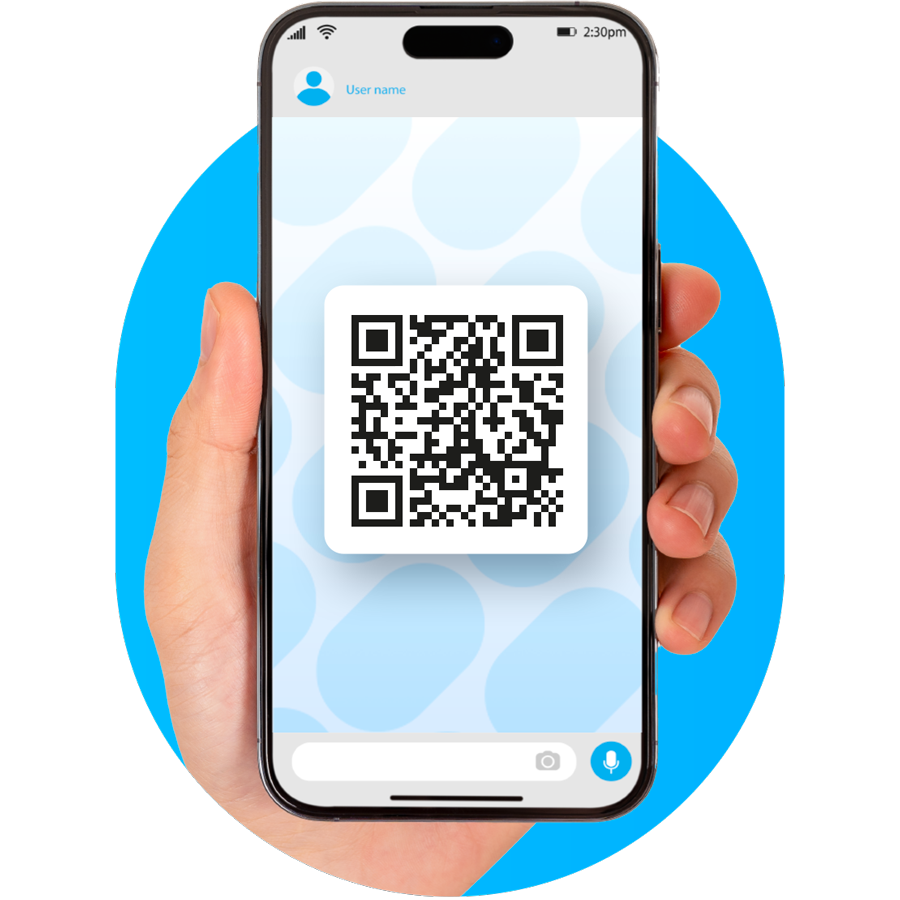
If you want to install the eSIM on another device, click on Install eSIM, then on Share eSIM with another person. You will see a QR code. Take the device on which you want to install the eSIM, go to Settings, then Cellular, go to Add eSIM and finally to Use QR Code. Scan the QR code or manually enter the data received in the purchase confirmation email.
Remember: with Simyousoon you don't have to buy a new eSIM every time you travel. If you have already purchased an eSIM, you can add new plans directly from the app by accessing the "My eSIMs" screen and clicking on "Recharge". Choose your new destination, select and purchase the plan. It will be loaded directly onto your eSIM.
How to check data usage and days remaining
To check your data usage and remaining GB/days of the plan:- 1. access the Simyousoon app;
- 2. go to My eSIMs;
- 3. select the eSIM you want to monitor and the related plan. View the remaining data and validity days.
Tag
Related Articles
-
I want to start using Simyousoon
How to download and configure the Simyousoon app for the first time
Before you start, check if your device is compatible with eSIM technology. Not all devices support eSIMs, so it's essential that you check. Read the guide to check if your device is compatible.
-
I want to start using Simyousoon
eSIM Features and how to buy
An eSIM is an integrated digital SIM built directly into your device. With an eSIM you don't need to buy a physical SIM when you travel abroad: you can activate a data plan for your destination area in just a few steps via the App and connect immediately upon arrival.
-
I want to start using Simyousoon
How to Install and Activate an eSIM on Android
To set up an eSIM on your Android device, you need: • an eSIM-compatible Android device. Read the guide to verify that your device is eSIM-compatible;• the email with the installation details.