







The eSIM evolution by

Download the simyousoon eSIM app
A solution designed for you, to manage everything you need quickly and easily from a single application, from your data plan to top-ups.
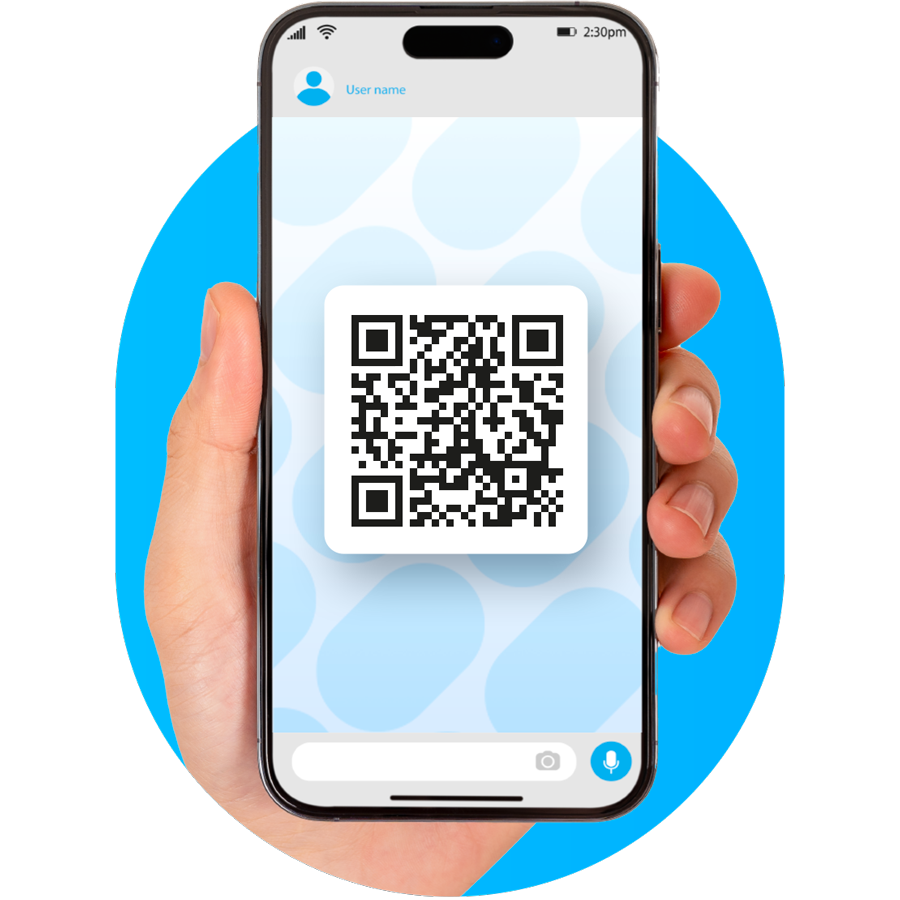
Scan the QR code and start discovering all the benefits of our app.


eSIM data plans in over 200 destinations
eSIM app available for iOS and Android
24/7 support directly from the app
eSIM compatibility with supported devices

Your connection, without limits
With simyousoon you have flexible data plans in over 200 destinations. Just choose where to go and find the option that best suits your needs.
Choose your destination and find your planHow to activate your connection
Follow the steps for your device and activate the eSIM directly from the app.
Configure the simyousoon app on iPhone
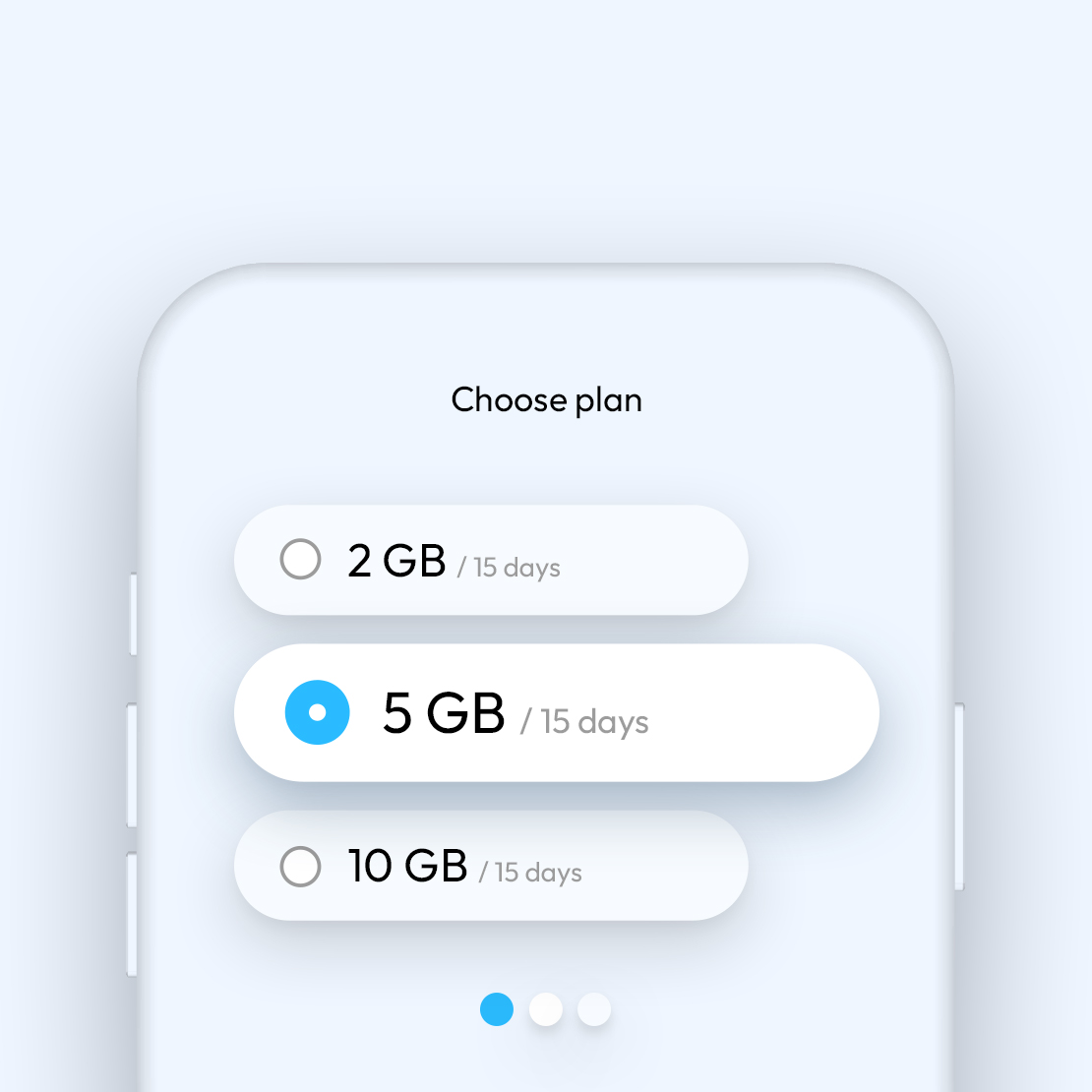
Choose your data plan
Select your travel destination, decide how much data you need and purchase the plan that best suits you. You’ll receive an instant confirmation email with instructions to follow.
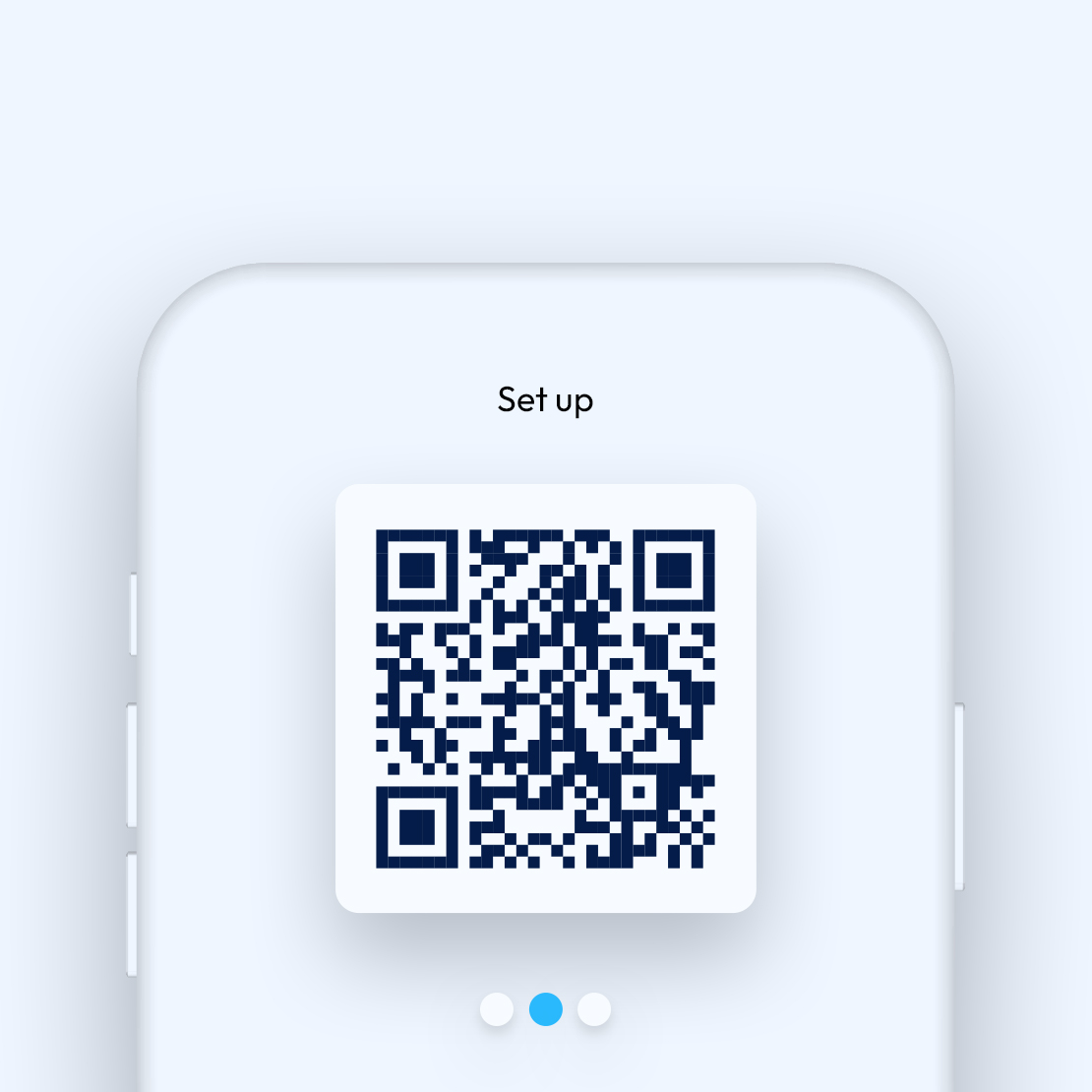
Activate your eSIM with the simyousoon app
Download the simyousoon app from the App Store and follow the instructions to configure the eSIM directly from your smartphone.
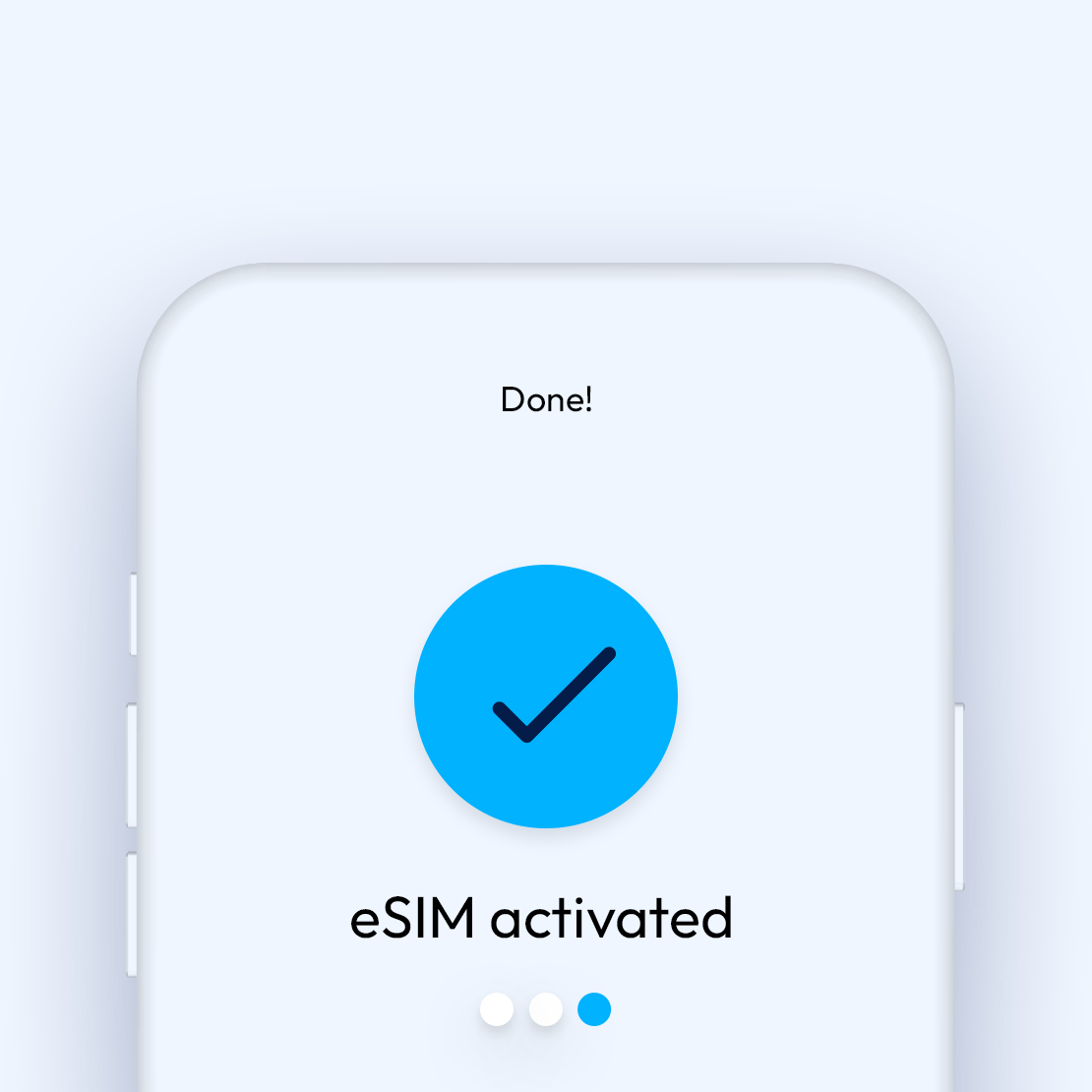
Browse worry-free
Your plan activates automatically when you arrive at your destination, without having to worry about anything.
Manual eSIM configuration without app on iPhone
- 1. Go to Settings
- 2. Click on Cellular
- 3. Go to "Add eSIM"
- 4. Click on "Use a QR code" and follow the instructions
Configure the simyousoon app on Android
Choose your data plan
Select your travel destination, decide how much data you need and purchase the plan that best suits you. You’ll receive an instant confirmation email with instructions to follow.
Activate your eSIM with the simyousoon app
Install the app from Google Play Store, click "Install eSIM" and follow the guided instructions.
Browse worry-free
Your plan activates automatically when you arrive at your destination, without having to worry about anything.
Manual eSIM configuration without app on Android
- 1. Go to "Settings">"Connections"
- 2. Select "SIM card manager"
- 3. Choose "Add eSIM"
- 4. Follow the on-screen instructions to complete the configuration
Simple, immediate activation
No complicated procedures: install your eSIM and your data plan will activate automatically as soon as you reach your destination.

All the benefits of the simyousoon app
Forget physical cards and manage everything you need from a single panel.
Easy to manage
Just download the app, log in and choose the plan you prefer.
No surprises on your bill
With eSIM you can browse without worrying about extra roaming costs while abroad
One flexible eSIM
You can keep the same eSIM for every trip, adding new data plans each time, without changing cards or repeating the installation.
Need help with your eSIM?
Our team is at your disposal every day, 24 hours a day, directly in chat from the app. For more specific requests you can also contact us via email.
Contact usFrequently asked questions about eSIMs
Why use eSIM?
Activate the plan in minutes, without the need for a physical SIM. Perfect for frequent travelers. Manage everything directly from your smartphone.
Are eSIMs secure?
Yes, they use the same security standards as physical SIMs. Your data is protected by encryption. You can block or remove it at any time.
What's the difference between SIM and eSIM?
A SIM is a physical card, eSIM is digital and integrated into the device. eSIM is activated online, without shipping. It offers more flexibility and zero waiting.
Which phones support eSIM?
Many recent models are compatible, including iPhone, Samsung and Google Pixel. Check the updated list on the dedicated page. It's important to verify before purchase.
How do I buy an eSIM?
You can buy a SimYouSoon eSIM on our website or in the app. First, check that your device is compatible: https://simyousoon.com/compatibility Once you've done that, choose a destination on the website or download the app to select the plan that suits you best, then follow the instructions to complete your purchase. See the guide: https://simyousoon.com/features-and-purchase-esim
What do I need to activate an eSIM?
To activate an eSIM you need an eSIM-compatible device, an internet connection to download the app and a data plan to browse in the country of your choice. First, check that your device is compatible: https://simyousoon.com/compatibility then use the app to buy the plan that suits you best and install your eSIM.
Does an eSIM work without WiFi?
Absolutely! That's exactly what it's for: getting online without having to be near a WiFi network.