







simyousoon guides
Technical guides to get the most out of your eSIM
Step-by-step instructions, troubleshooting tips and expert advice to set up and manage your eSIM with ease.

Guide categories


Featured guides

I want to start using Simyousoon
eSIM Features and how to buy
An eSIM is an integrated digital SIM built directly into your device. With an eSIM you don't need to buy a physical SIM when you travel abroad: you can activate a data plan for your destination area in just a few steps via the App and connect immediately upon arrival.
I want to start using Simyousoon
How to download and configure the Simyousoon app for the first time
Before you start, check if your device is compatible with eSIM technology. Not all devices support eSIMs, so it's essential that you check. Read the guide to check if your device is compatible.
I want to start using Simyousoon
How to Install and Activate an eSIM on Android
To set up an eSIM on your Android device, you need: • an eSIM-compatible Android device. Read the guide to verify that your device is eSIM-compatible;• the email with the installation details.
I want to start using Simyousoon
How to Install and Activate an eSIM on iOS
To set up an eSIM on your iOS device, you need: • an eSIM-compatible iOS device. Read the guide to verify that your device is eSIM-compatible;• the email with the installation details
I want to start using Simyousoon
Guide to installing and activating your eSIM
We guide you step by step until you connect with simyousoon. On this page we explain how to easily activate your eSIM and start using it without any hitches. Before proceeding, make sure your device is compatible with eSIM technology. Not all models are, so it's important to check beforehand.
I need support on plans and payments
How to recharge an eSIM
1. access the Simyousoon app; 2. go to My eSIMs; 3. select the eSIM you want to recharge; 4. click on Recharge. Select the destination, choose the plan that best suits your needs
I need support on plans and payments
Available plans and payment methods
You can purchase a plan valid for the specific country you will be traveling to or, if your trip includes multiple countries, a plan valid for an entire region (for example, for Europe or Southeast Asia).
I have a technical problem to solve
Resolving most common problems
If you need assistance, you can start a chat by selecting the widget found on all pages of the simyousoon.com website. From the app, go to the Help section and then to Chat with us.
The eSIM evolution by

Download the simyousoon eSIM app
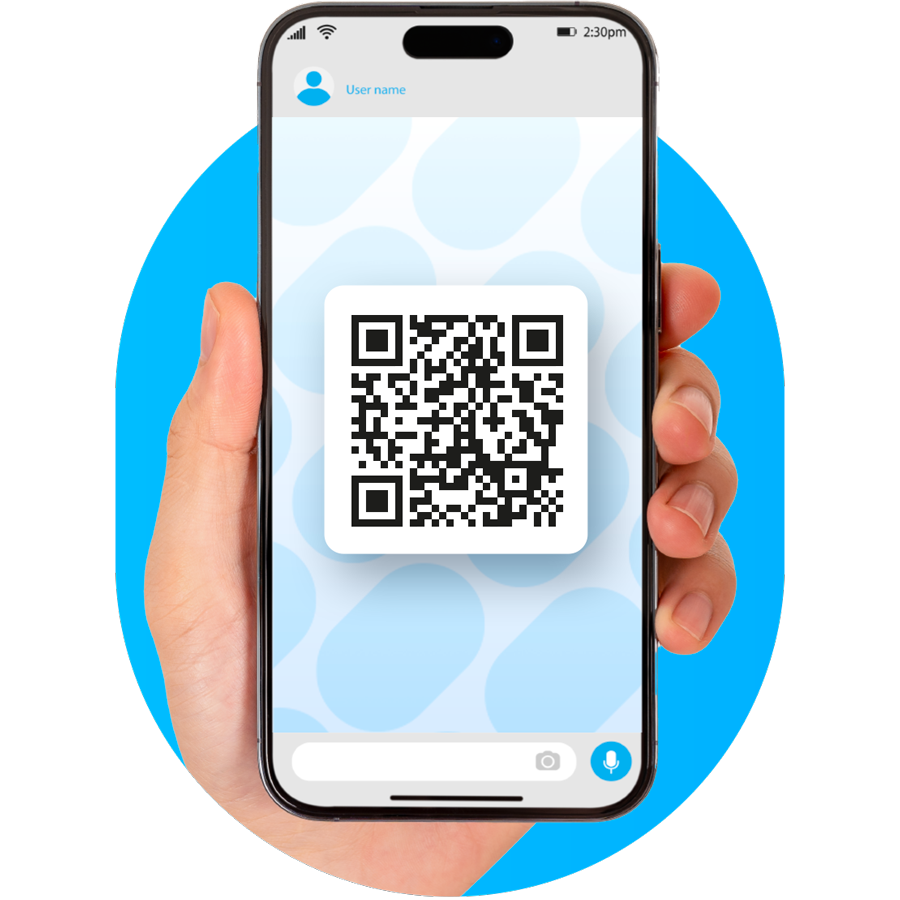
A solution designed for you, to easily and quickly manage everything you need from a single app, from your data plan to top-ups. Scan the QR code and start discovering all the benefits of our app.