







What is an eSIM
An eSIM is a digital SIM already included in most newer phones: no card to insert or paperclip needed. Choose your travel data plan and connect wherever you want.
FIND YOUR DESTINATION
How it works
Forget the card, the waiting, and the extra steps. With eSIM, you set everything up on your phone—no physical SIM needed—and you can activate your data plan wherever you go.
Perfect for travel and instant connection. In short: smarter, ready anytime, always with you.
One eSIM,
endless trips.
A simyousoon eSIM is not a single-use product. Once installed, it stays on your phone even when the data plan has run out: you don't have to delete it, you don't have to reinstall it and you don't have to go through the QR code procedure again on your next trip. What ends is the data plan, and all it takes to start it up again is a simple top-up.
Why it's worth keeping it installed
It doesn't take up useful space.
An eSIM weighs just a few kilobytes and, if you leave it switched off in your settings, it uses no data and no battery.
You're ready in advance.
Installing an eSIM is very easy, but having already done it means that on your next trip the only thing left to do is choose a data plan and go. You can even top up at the very last minute.

Simple and fast activation
Download the simyousoon app and configure a data plan and everything you need on your smartphone. Add multiple profiles, switch from one operator to another, edit your data and top-up in real time. More control, fewer complications and all the freedom you need, in the palm of your hand.
How to activate your connection
Follow the steps for your device and activate an eSIM directly from the app.
Configure the simyousoon app on iPhone
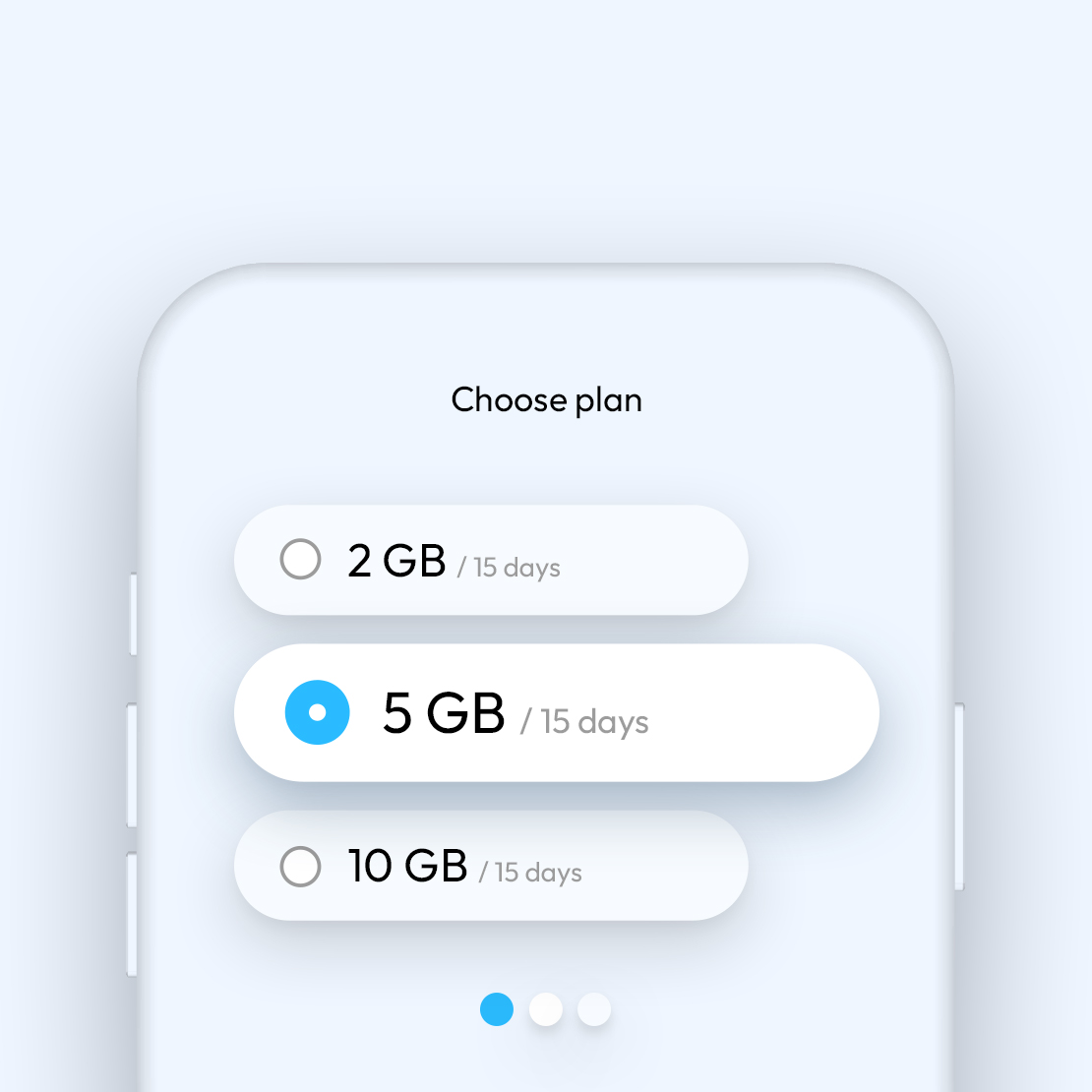
Choose your data plan
Select your travel destination, decide how much data you need and purchase the plan that suits you best. You'll receive an instant confirmation email with the instructions to follow.
Activate your eSIM with the simyousoon app
Download the simyousoon app from the App Store and follow the instructions to configure the eSIM directly from your smartphone.
Browse worry-free
Your plan activates automatically when you arrive at your destination, without having to worry about anything.
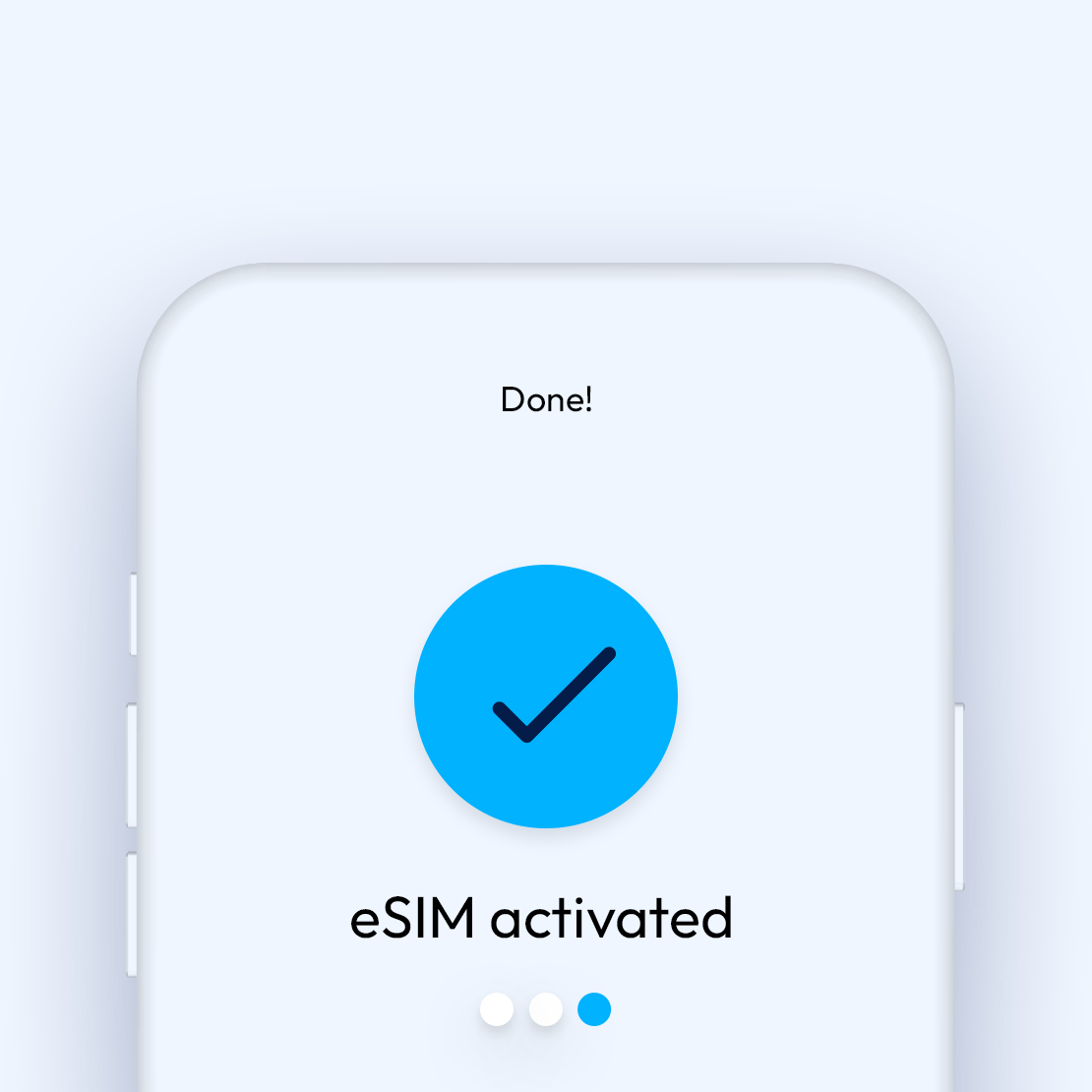
Configure the simyousoon app on Android
Choose your data plan
Select your travel destination, decide how much data you need and purchase the plan that suits you best. You'll receive an instant confirmation email with the instructions to follow.
Activate your eSIM with the simyousoon app
Install the app from Google Play Store, click "Install eSIM" and follow the guided instructions.
Browse worry-free
Your plan activates automatically when you arrive at your destination, without having to worry about anything.
Configure the simyousoon app via QR code
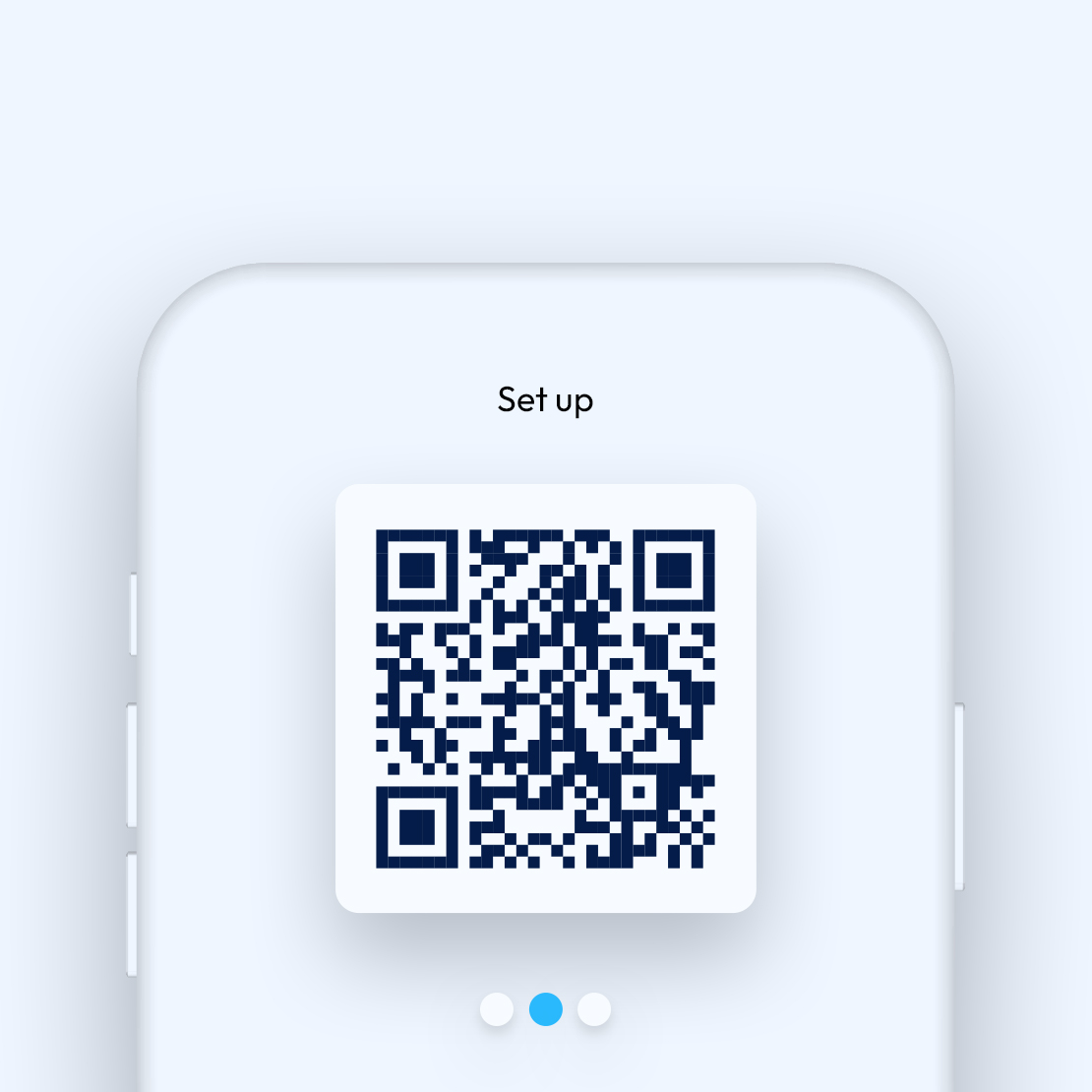
Scan the QR code to download the app
Open your phone's camera and frame the QR code to download the simyousoon eSIM app.
Choose your data plan and activate your eSIM
Select your travel destination, decide how much data you need and activate the data plan directly from the app.
Browse worry-free
Your plan activates automatically when you arrive at your destination, without having to worry about anything.
Why choose simyousoon
All the advantages that make eSIM the easy and flexible solution to always stay connected.
A single eSIM
Keep your eSIM forever: if you want to change operator, there's no need to replace it.
Flexible data plans
Choose from numerous combinations, starting from 1 GB up to 20 GB or unlimited traffic from 7 to 30 days.
App at your fingertips
Manage everything with the simyousoon app, available in iOS and Android stores. You can monitor your remaining data in real time.
24/7 Support
Get help via chat and through Aruba support channels, anywhere, at any time.
How to get the most out of your eSIM
Everything you need to know about compatibility, usage and eSIM transfer.
Compatibility
Not all devices support eSIM. The most recent models do, but if you have an older phone it's better to check first.
It's new technology
Activation is quick and easy but, if you’ve never used an eSIM, you might need a little extra time to learn how it works.
Changing devices can take longer
Transferring an eSIM to another phone requires a few additional steps compared to a physical SIM.